
Playing a Game
The player game tab shows one game panel. It does not show the moderator controls or the Demo top controls.
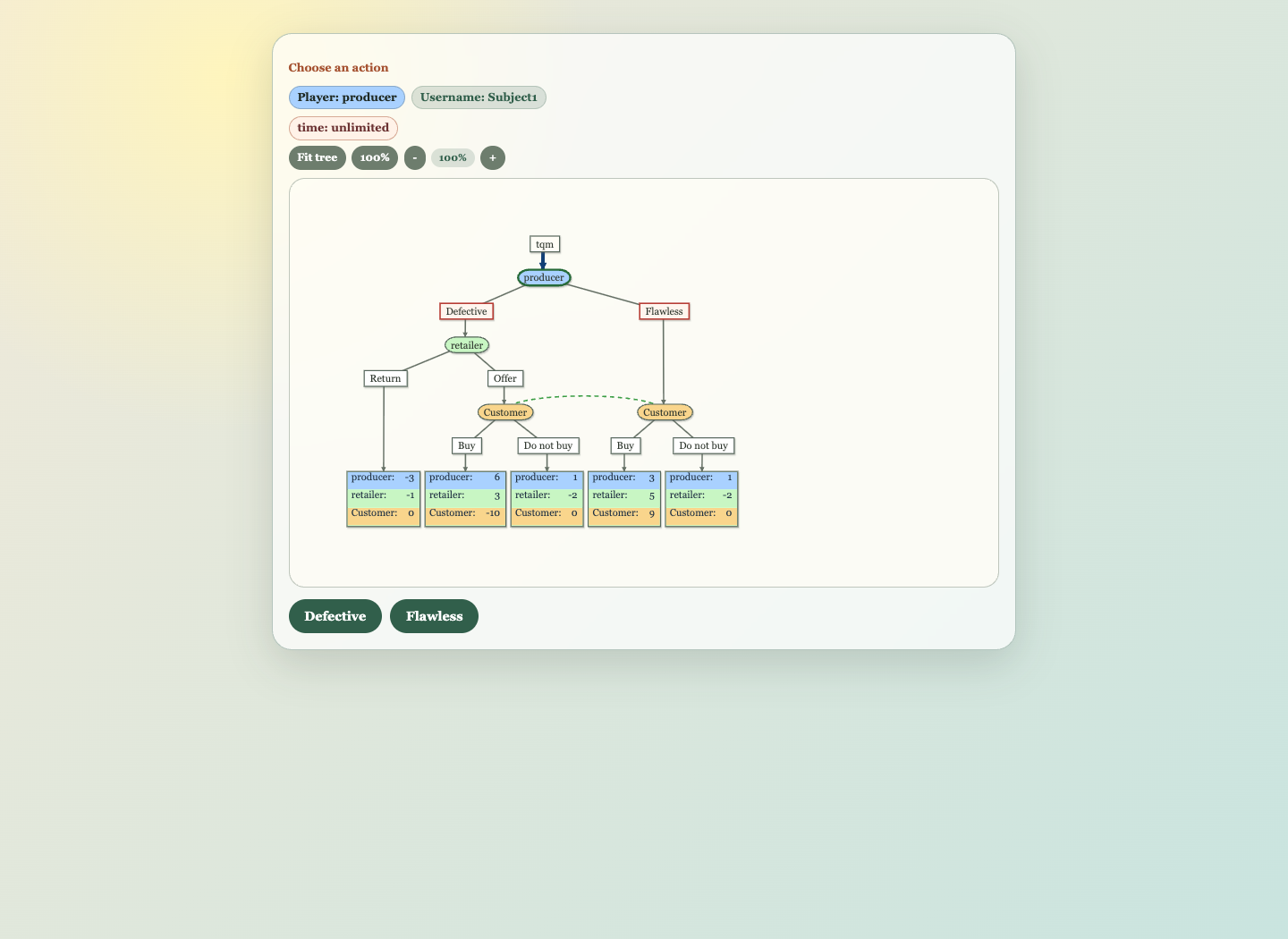
Game Panel
The game panel shows:
- game type,
- player type or role,
- username,
- time badge,
- round badge when the game has more than one round,
- status messages,
- current page content,
- available decisions.
The same shared game-panel code is used for normal play and Demo play. Demo adds separate top controls above the game panel; moderator-launched player tabs do not.
Player Type And Username
The panel distinguishes:
- Player type: the game role or type, such as
Walmart,Kmart,Subject1, or a market role. - Username: the browser/login name used to join the game, such as
Subject1or a typed player name.
These may be the same in simple games and different in games with roles.
Status Messages
The status row tells you whether an action is needed.
Examples:
- no action is required,
- waiting for other players,
- click Continue,
- enter a value and press Enter,
- select an option,
- game finished.
If a button or input flashes or changes border after you act, that is feedback that the browser accepted the click or command. The server still decides whether the game advances.
Waiting States
You may wait because:
- the session is not full yet,
- another player must act,
- an instruction stage is being shown,
- a timed stage is running,
- the server is preparing the next page.
Usually you do not need to do anything. If the page stays stale for too long, refresh or rejoin with the same player name and PIN.
Decisions By Game Type
Extensive Form games usually ask you to choose an action at a tree node.
Strategic Form games usually ask for a row or column choice in a matrix.
Free Form games may show instructions, input fields, dropdowns, choices, Continue buttons, or auction pages.
Market games may show assets, orders, transaction data, price and quantity fields, and Buy/Sell controls.
Market Dashboard
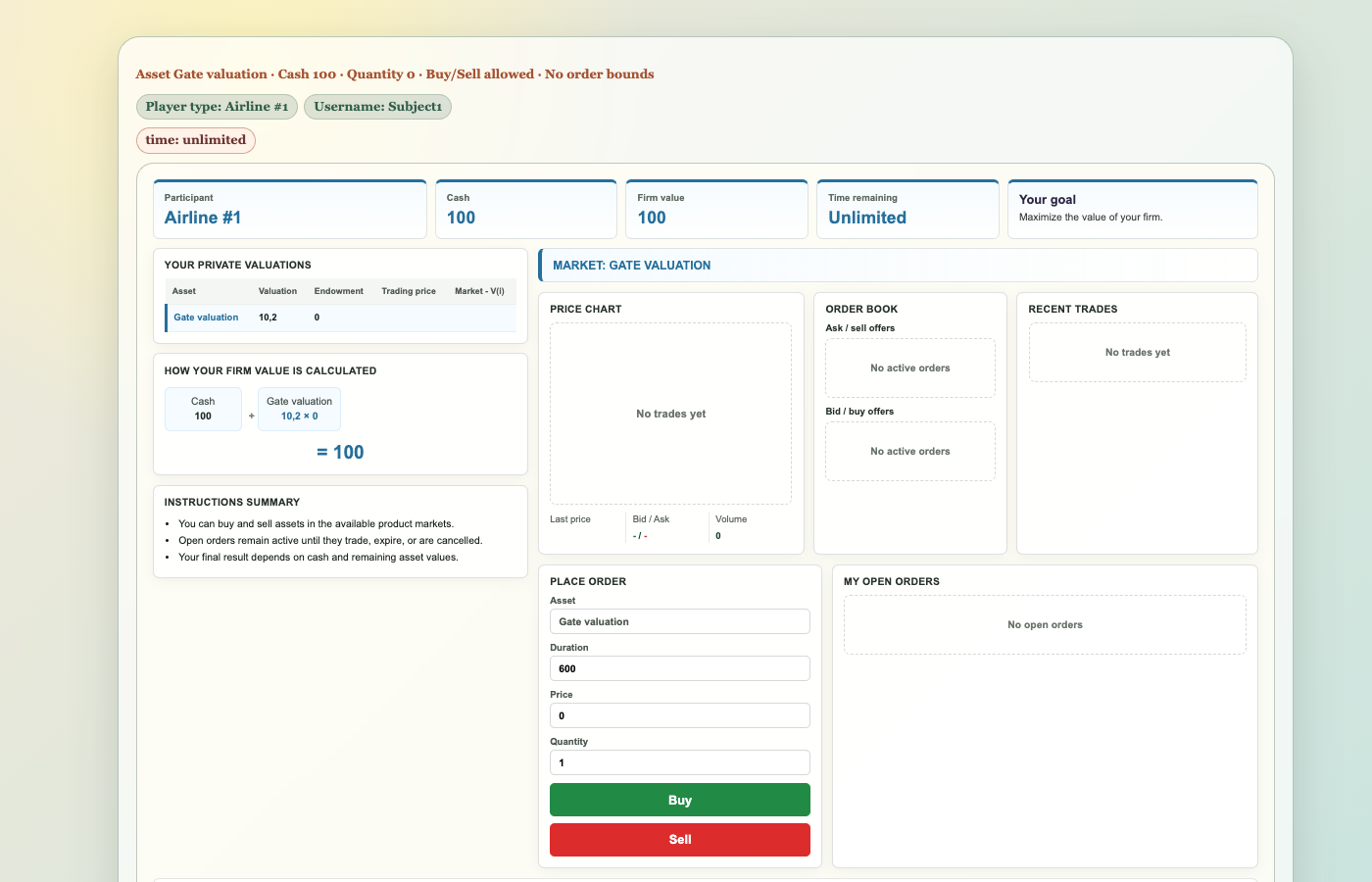
Market games use a dashboard-style layout. The player sees Total valuation, Cash, the selected Market valuation, private valuations, an order book, recent trades, open orders, and a place-order form. The selected Market valuation includes the current endowment; Your Private Valuations shows the per-unit valuation separately.
Recent Trades and My Limit Orders include the participant's relevant rows from all Markets even when another Market is selected. The Order Book and Price Chart remain specific to the selected Market.
Instruction Stages
Some games include instruction-only stages. When instructions are enabled, the player may see an instruction page before a decision page.
Read the instruction and continue when the page asks you to continue. An instruction stage is not the same as submitting a decision.
Pages And Audience
A Stage may contain several authored Pages. For the current participant, the client orders eligible Pages by access level: Active, Observe, then Glance. Pages at the same level keep their order in the Stage.
The current client displays the first eligible Page. A Page for which the participant has no Audience rule is Passive and is not shown. This is why two Player Types can see different content during the same Stage.
Submitting A Decision
Submit only once unless the page clearly stays editable after an error.
After a decision:
- the browser gives local feedback,
- the action is sent to the server,
- the server accepts or rejects it,
- the page updates when the next state is ready.
Some decisions advance immediately. Others wait for other players or a timer.
Game Finished
At the end you may see:
- final payoff,
- summary table,
- final market state,
Game finishedor similar status.
The server sends the final state. The player tab should not need to manually finish the game.