
Players and Room Links
Players normally join through a room link shared by the moderator. The link may be a full room link or a shorter /r/... shortcut. Players do not need registered accounts in the current classroom workflow.
Joining A Room
The room page asks for:
- player name,
- optional PIN,
- open game.
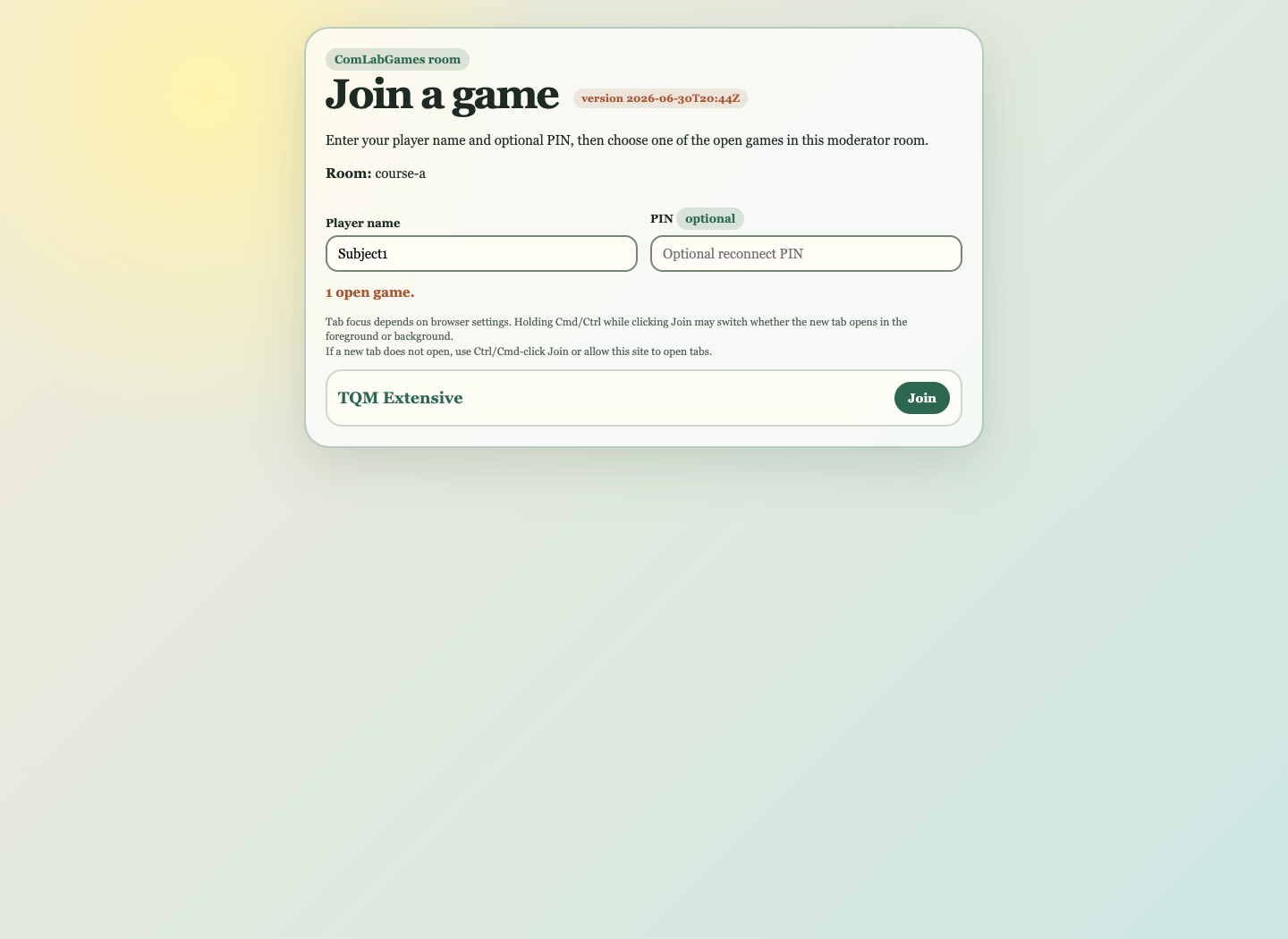
After clicking Join, the game opens in a new tab. If the browser blocks the tab, allow popups for the site or use Ctrl or Cmd click.
Player Name
Use the same player name if you need to reconnect.
If the same name is already actively connected, another browser cannot take it immediately. This prevents accidental duplicate joins while a player is still connected.
PIN
The PIN is optional. It acts as a reconnect phrase for a player name.
Use a PIN when:
- players are remote,
- name confusion is likely,
- the session may last long enough that reconnects are expected,
- the moderator wants stronger protection for player identities.
For simple classroom use, the PIN may be blank.
Open Games In A Room
The room page lists games started by the moderator in that room.
If no games are visible, possible reasons are:
- the moderator has not started a game yet,
- the game was started in a different room,
- the game was stopped,
- the room page has not refreshed yet.
The room page refreshes while visible and refreshes again when you return to it.
Waiting For A Session To Start
Some games require a fixed number of players. For those games, the page waits until the session is filled. The game content is not shown early to the first players.
For one-session or unlimited-session games, the page may show content immediately when that is allowed by the game definition.
Reconnecting
If the connection is interrupted:
- return to the room link,
- enter the same player name,
- enter the same PIN if one was used,
- join the same open game.
If no PIN was used and the name has become available, another browser may be able to use it. Coordinate with the moderator if that happens.